
Once you are signed in there are 3 main avenues for interaction. Notifications will come through email and in the notification tool box at the top of the page:
1. Groups
Select a group to join: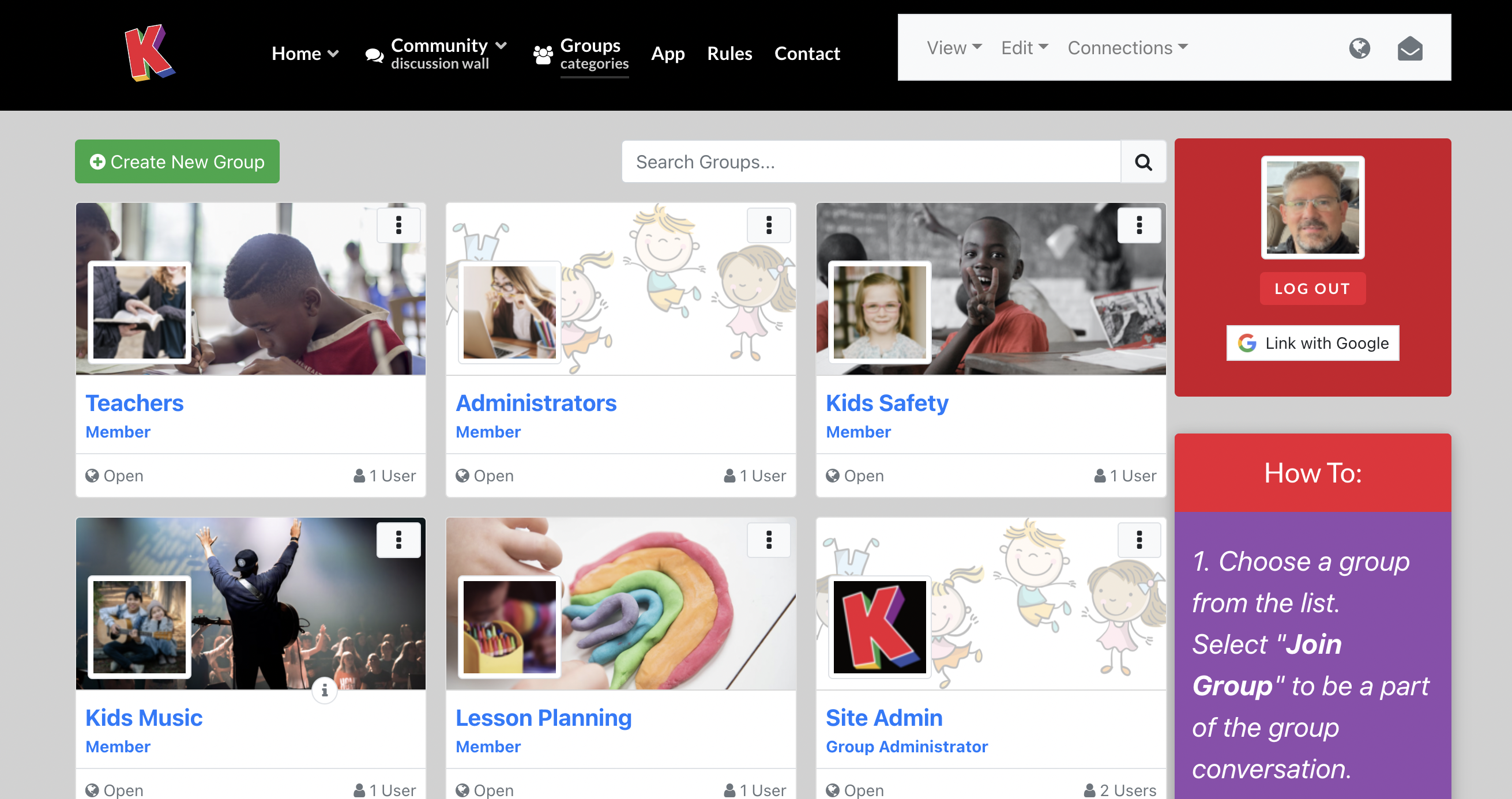
Then add to the Activity feed with a comment or resource, or the Gallery with documents, video links, or images: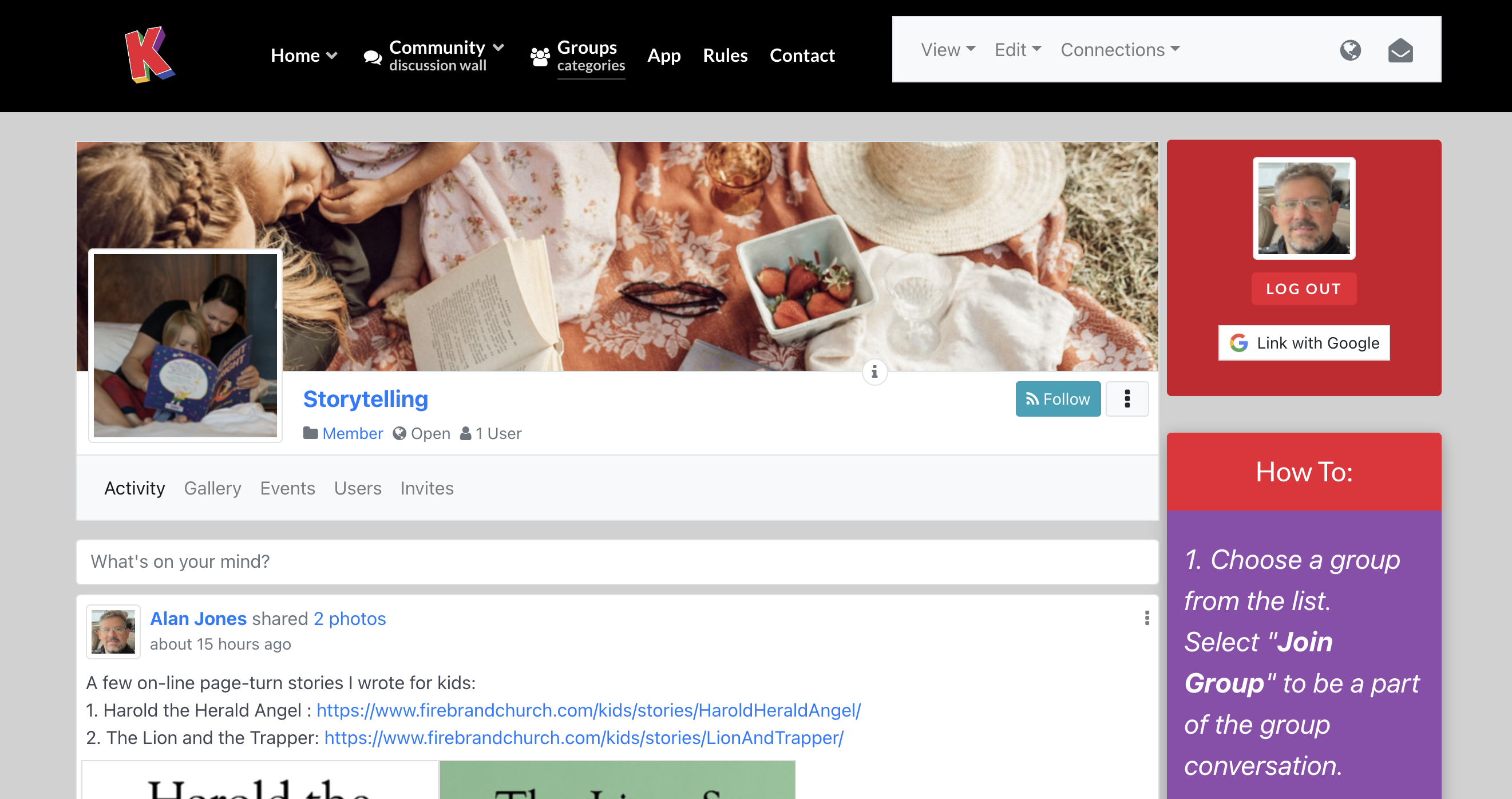
2. Community Wall
The Community Wall is an aggregated feed of all the groups you're part of and other community activity. Interact right on the feed with likes and comments.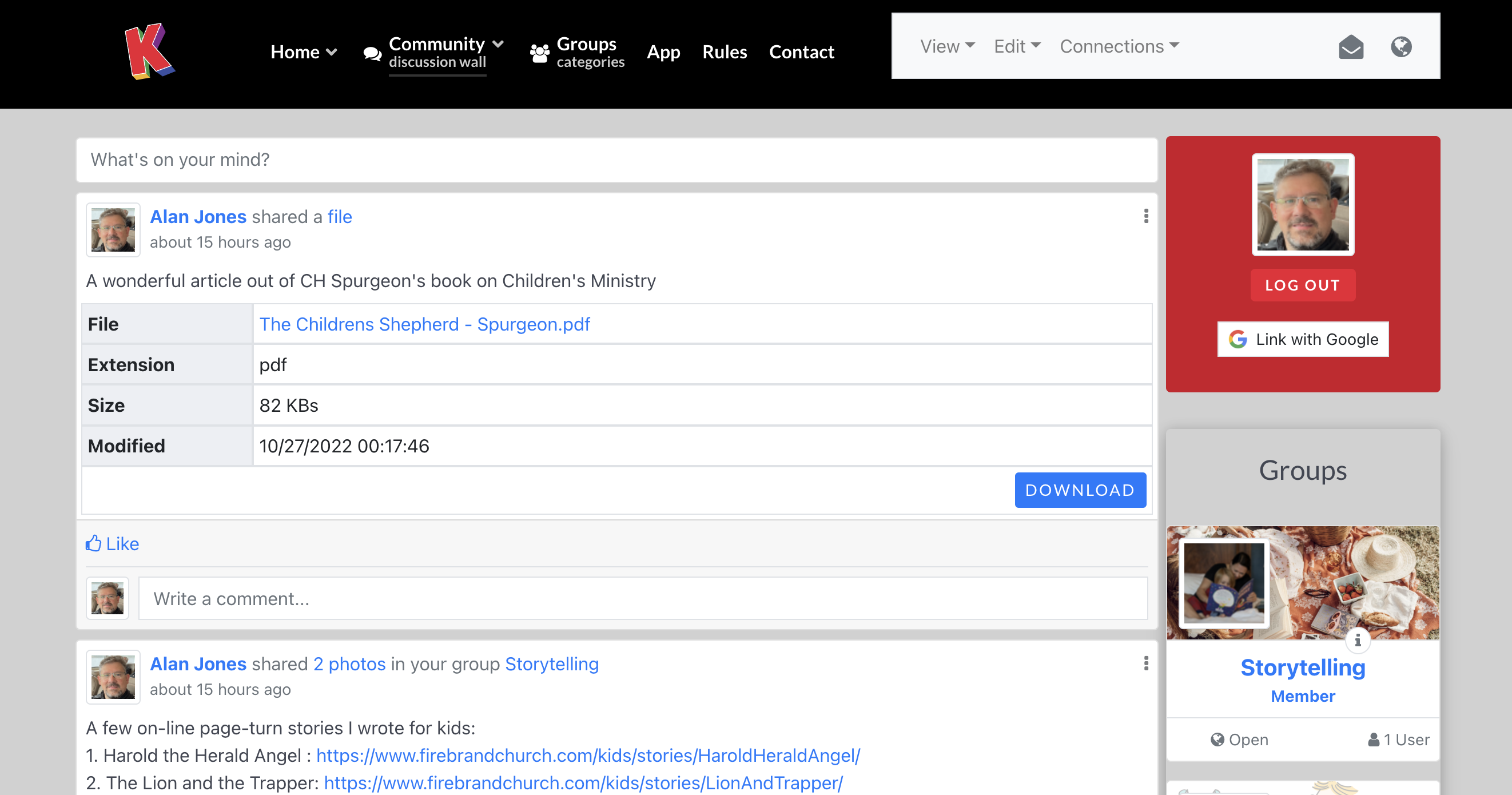
3. Find Friends
Find Kids Ministry ministers with similar interests (dropdown under the Community tab).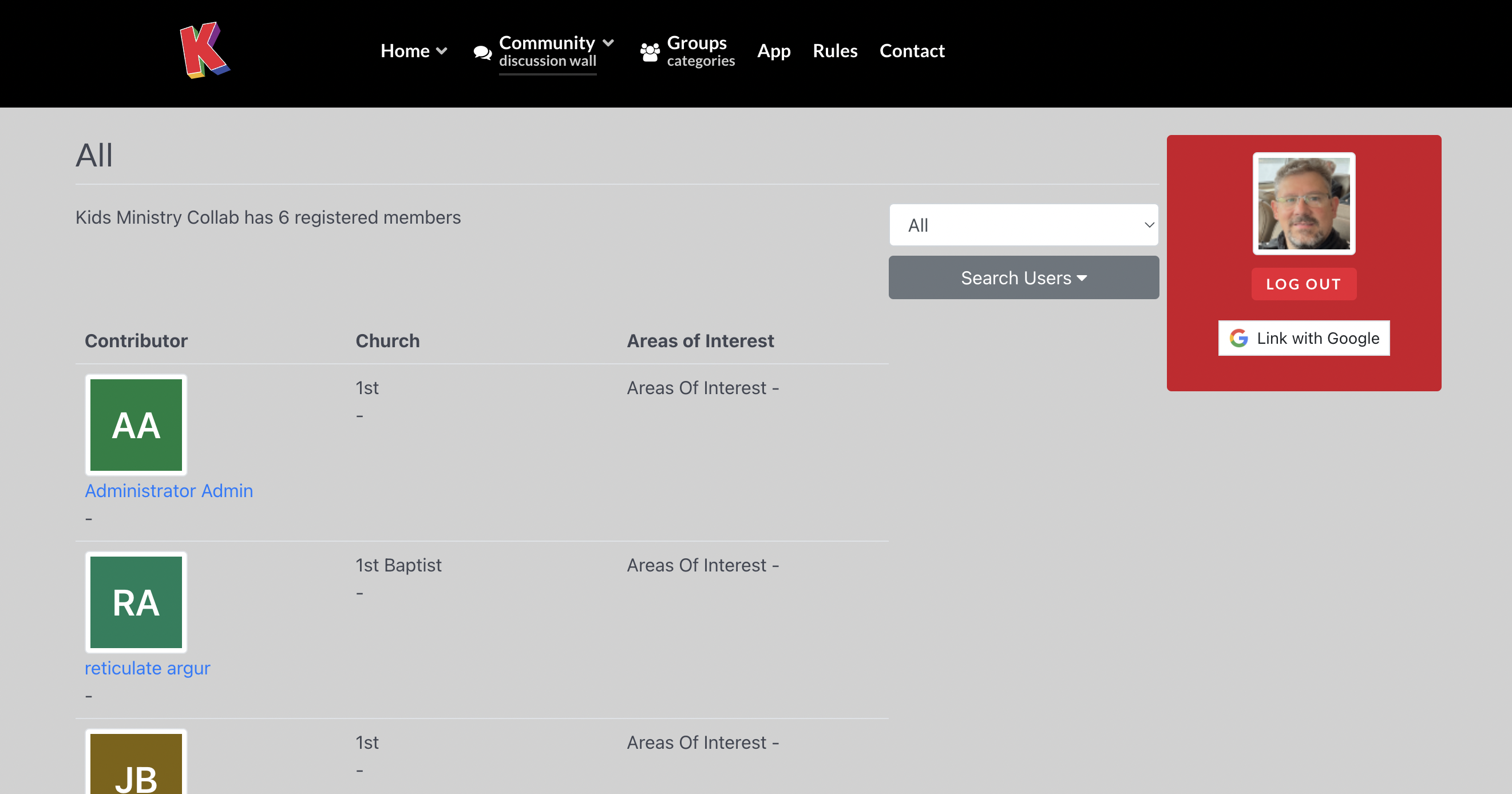
Then check out your profile, you can add your own material in your Gallery, interact with your activity feed, manage your connections, invite friends, and more.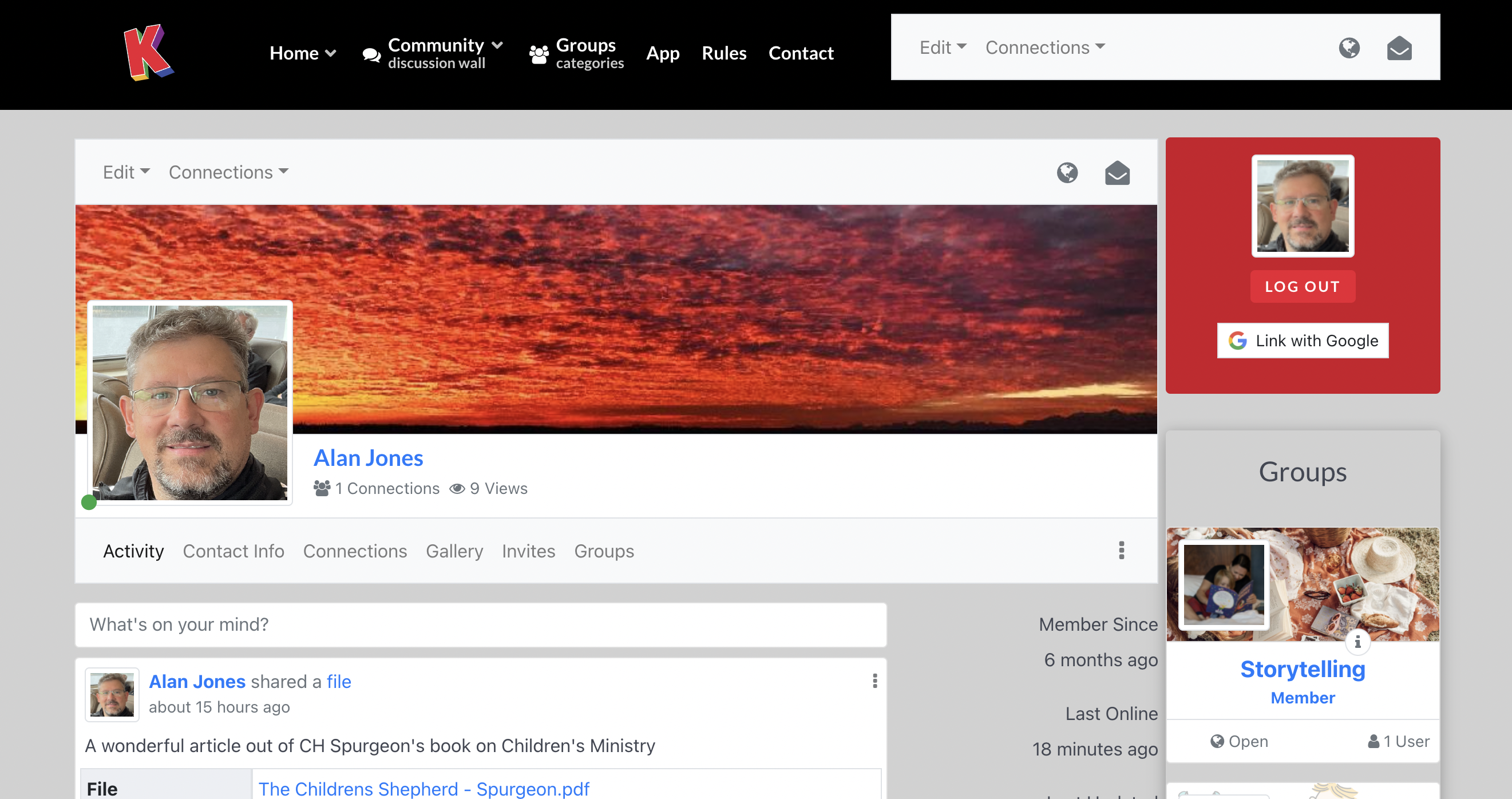
 GroupLands